0111
Plastic injection
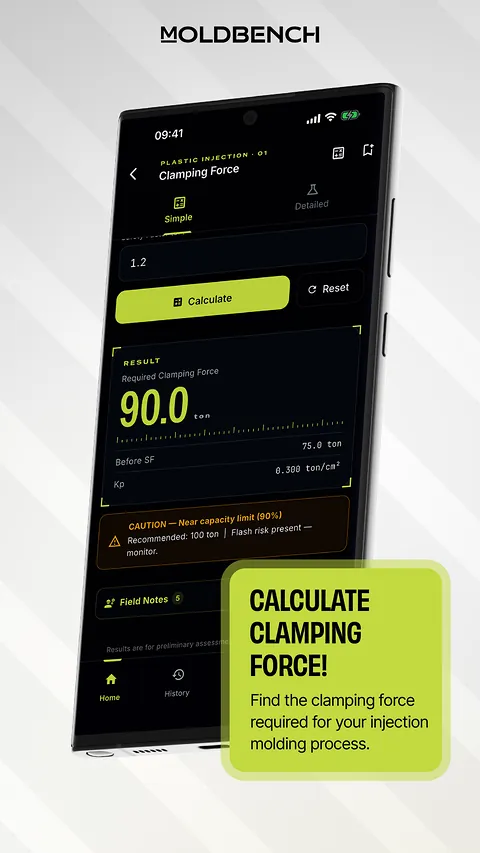
Clamping force, cavity count, cooling time, runner and gate size, shrinkage, flow ratio, injection pressure, ejector pin, venting, cycle time, Reynolds number.
Mold engineering

45 calculations for injection molding, sheet metal, casting and general engineering. Plastic mold sets from STEP files, cost and quote PDFs, a 3D viewer and a drawing viewer. Works offline, too.
11 calculations free · Pro is a one-time purchase, no subscription
Why MoldBench
Tables, handbooks, hand calculations, separate programs. MoldBench brings them all onto one workbench: in the shop, at the machine, at the customer's side. Even offline.
Mold set analysis
Open the STEP file of a plastic part. MoldBench reads its dimensions and projected area straight from the geometry.
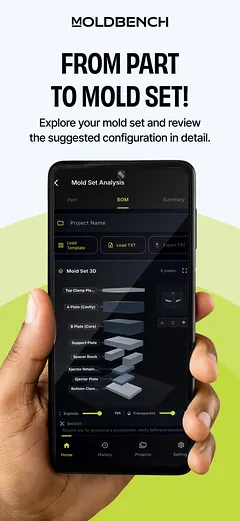
You enter the material, cavity count, cavity pressure and production volume. MoldBench prepares the mold set dimensions and the plate list: size, quantity and weight of every plate.
Stock sizes with machining allowance, total steel weight with scrap allowance, and clamping force, in an order-list format.
We're testing it with toolmakers in the field to make it the best it can be. It will arrive in an app update when it's ready.
Cost & Quote
From the mold set to the quote you send, in the same app.
Send a plastic mold set to Cost & Quote; its steel weights come with it.
Add them as a percentage or an amount. VAT comes last.
Use your own price list and company details.
A customer quote PDF with labor and profit hidden, and an internal report PDF for you.
Inside the app
Injection molding, sheet metal, casting and general engineering. Every calculation works in SI or US inch units; locked calculations still show their inputs and formula.
From clamping force to cooling time. Calculation screens show the formula behind the result, and many include short field notes from shop practice.
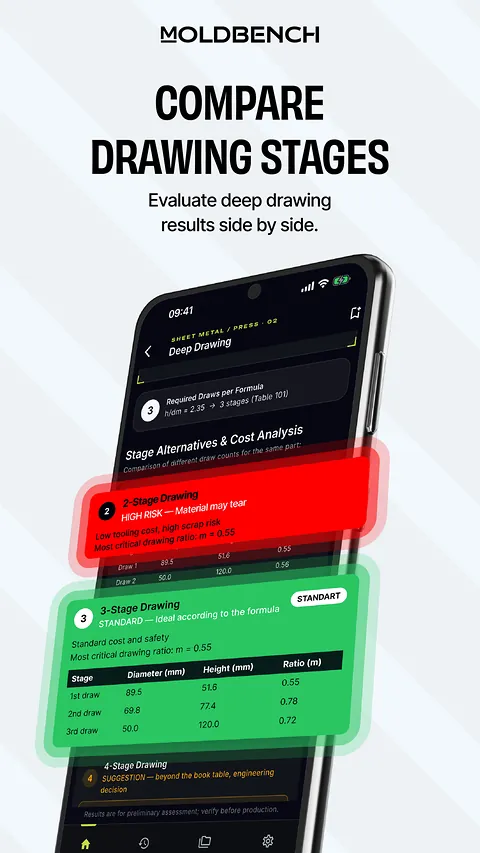
Blanking force, die clearance, deep drawing, bending force, springback, press tonnage, strip layout, progressive die and thinning analysis.
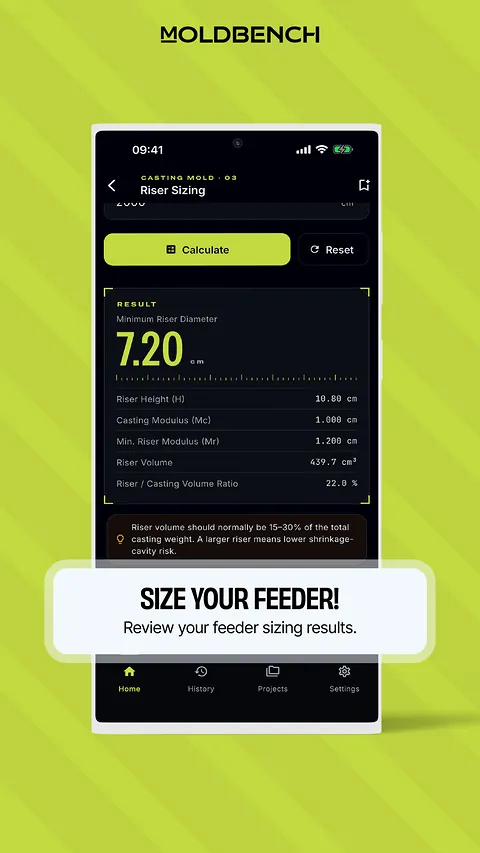
Solidification time, riser sizing, gating system, shrinkage allowance, draft angle and the Niyama criterion.
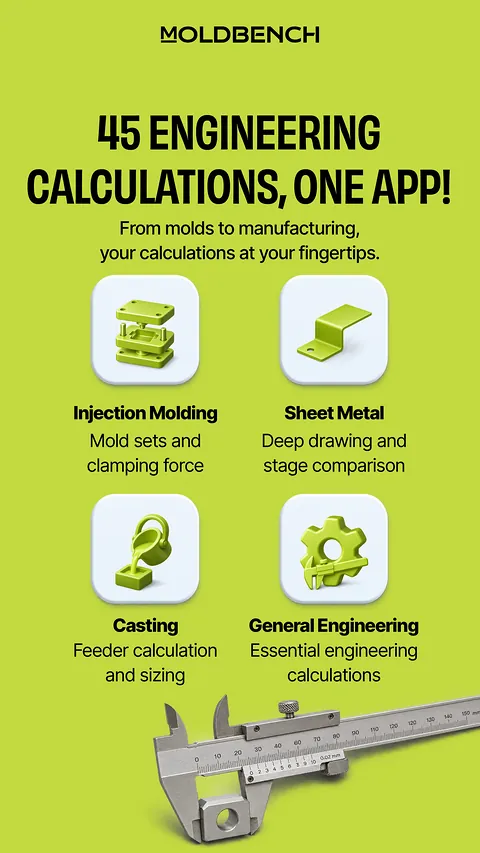
45 calculations · 4 areas
Clamping force, cavity count, cooling time, runner and gate size, shrinkage, flow ratio, injection pressure, ejector pin, venting, cycle time, Reynolds number.
Blanking force, die clearance, deep drawing, bending force, springback, press tonnage, strip layout, progressive die, thinning analysis.
Solidification time, riser sizing, gating system, shrinkage allowance, draft angle, Niyama criterion.
ISO 286 tolerances and fits, hardness conversion, bolt torque, bearing life, column buckling, fatigue, springs, thermal expansion, mold steel selection, unit converter and more.
Built for the shop floor

Calculations, the material library and CAD files open on the device, even without a signal in the shop.
No account needed; your files and results never leave your device.
SI or US inch units (in, psi, °F, US ton) in all 45 calculations, plus a unit converter.
STEP files in 3D with exploded, section and wireframe views; volume, surface area and estimated weight. DWG and DXF drawings open in 2D.
Steels, aluminum and copper alloys, and plastics, with mechanical, physical and thermal properties.
Save calculations to projects and export PDF reports; back up all your projects to a single .mbench file and move them to another device.
On every device
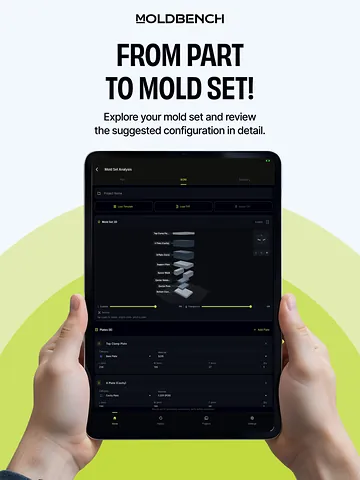
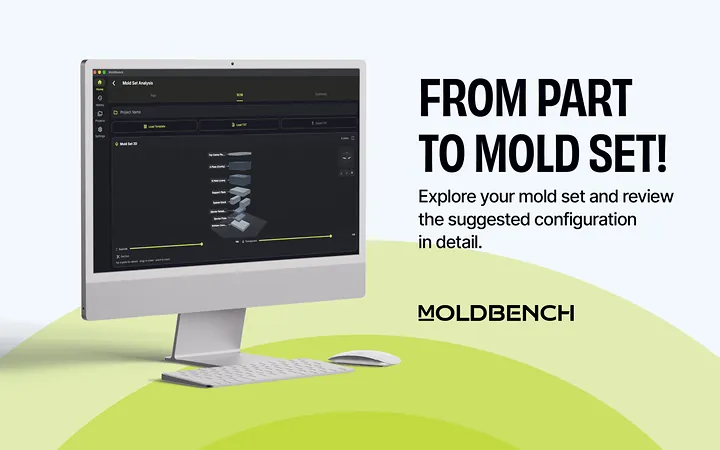
One app for phone, tablet and desktop. The Android version is on Google Play; the iPhone, iPad and Mac versions are coming soon to the App Store. A Windows version is coming soon, too.
Free and Pro
Start right away
Non-personalized ads appear on list screens. Calculation results, CAD screens and PDF reports never show ads.
No subscription. Buy once, keep it.
The price is shown in the store for your country.
FAQ
No. Calculations, the material library and CAD files run on your device, so you can use them even without a signal in the shop.
No. Pro is a one-time in-app purchase; there are no monthly or yearly payments.
Yes. Sign in with the same store account and restore purchases in the app. You can move your projects with a .mbench backup file.
STEP files open in 3D; DWG and DXF drawings open in 2D. Without Pro you can open 2 CAD files in total; a file you have opened stays available.
No. The customer quote PDF hides labor and profit; you create a separate internal report PDF for your own records. Without Pro you can create 2 quote or internal report PDFs in total.
Your calculations, files and projects stay on your device; there is no sign-up or user account. See the privacy policy for details.
The iPhone, iPad and Mac versions are coming soon to the App Store. A Windows version is coming soon, too.
Precision, always at hand.
